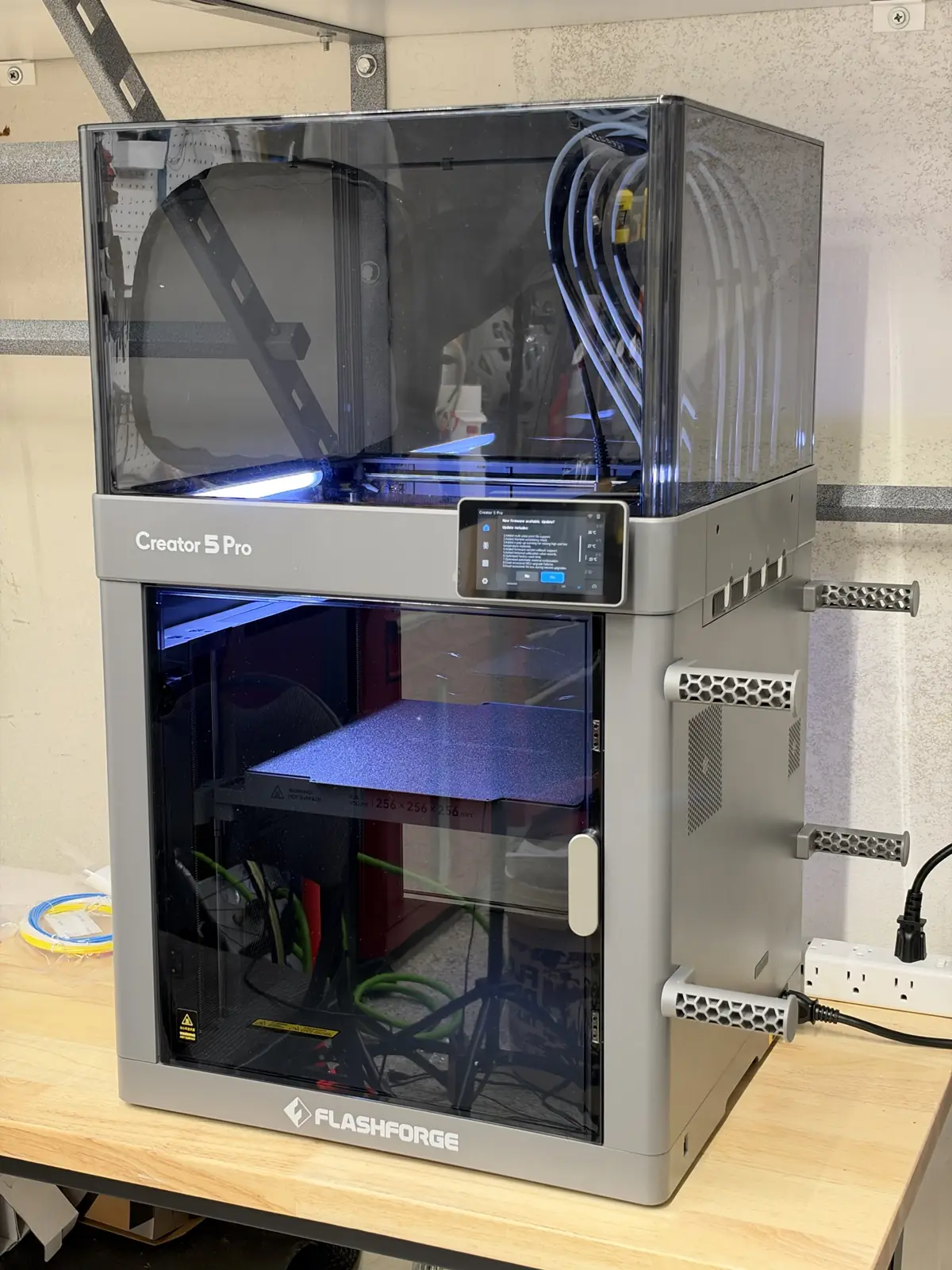
How to Print Multiple Colors on the Flashforge Creator 5 Pro
MizuMakes may earn a commission from links in this post. Short answer: to print multiple colors on the Flashforge Creator 5 Pro, load each color into its own toolhead, then set that toolhead’s material and color on the printer’s screen. In Flash Studio, assign colors to the model and slice with the prime tower on. When you send the job, map each slicer color to the matching toolhead. The printer swaps whole toolheads instead of unloading and reloading filament, so there’s no long purge between colors. ...